Introduction: The AI Advantage in a Stress-Free Tax Season
Tax season has long been one of the most stressful times for small business owners. Between tracking expenses, managing invoices, and ensuring compliance, the process can feel overwhelming. But thanks to technology, AI solutions for small businesses are transforming tax preparation from a source of anxiety into a streamlined, data-driven experience.
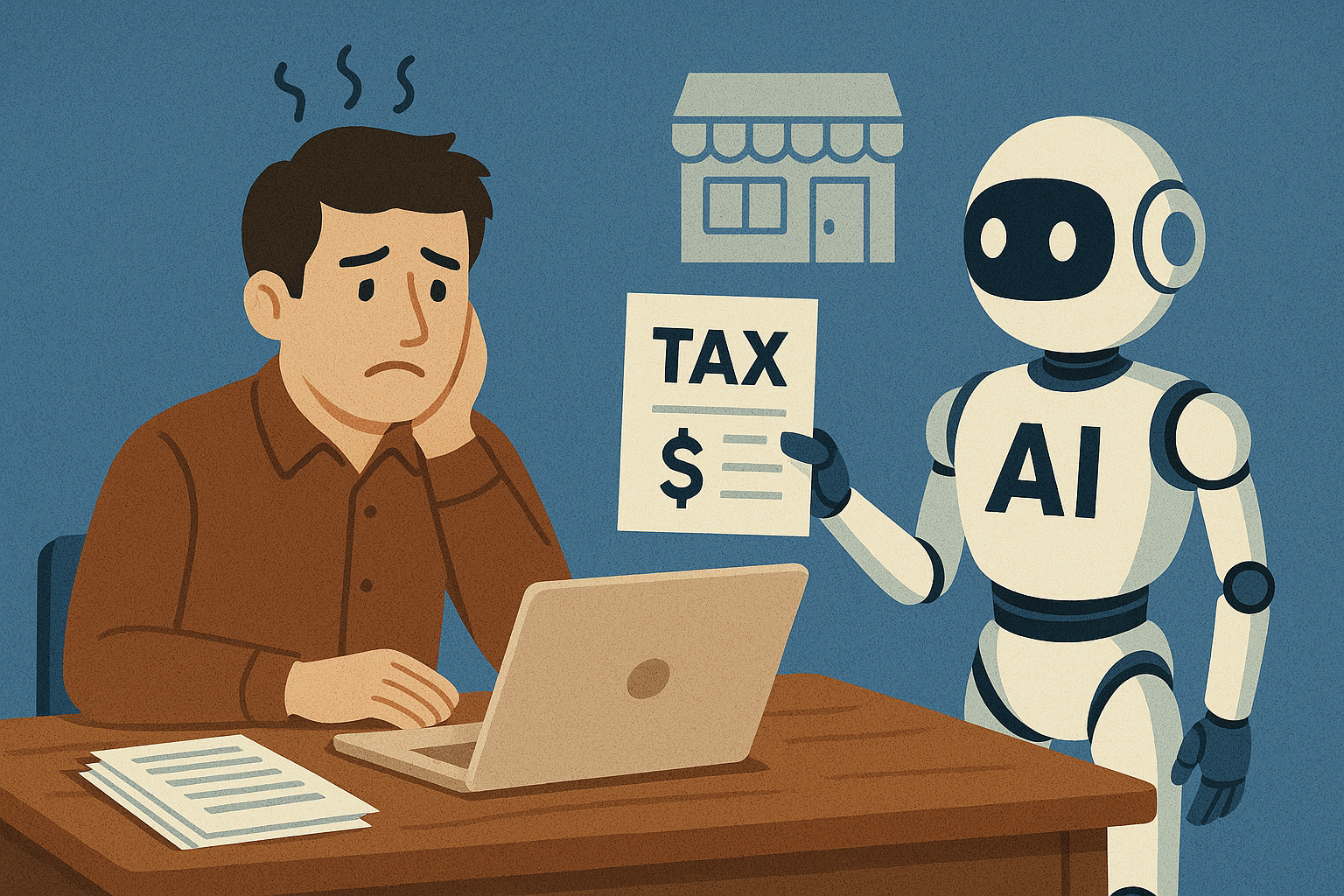
Artificial intelligence can now automate repetitive tasks, detect errors, and even offer personalized recommendations for tax savings. According to Deloitte’s 2024 SMB Finance Report, companies using AI accounting tools reduce tax preparation time by up to 50% and reporting errors by 70%.
Let’s explore how AI can make this tax season your easiest yet.
Why Small Businesses Struggle During Tax Season
Before diving into AI solutions, it’s important to understand why small businesses often dread tax season.
1. Manual Recordkeeping
Traditional bookkeeping involves spreadsheets, paper receipts, and manual categorization—prone to human error.
2. Changing Tax Regulations
Laws and compliance standards evolve yearly. Staying up to date without dedicated accounting staff can be a challenge.
3. Lack of Time
Small business owners often wear multiple hats. Managing taxes becomes an additional burden, especially close to filing deadlines.
4. Missed Deductions
Without proper analysis, many small businesses overlook tax-deductible expenses like mileage, utilities, or equipment purchases.
AI can address all these challenges by automating, simplifying, and optimizing each step of the tax preparation process.
How AI Simplifies Tax Season for Small Businesses
1. Automated Bookkeeping
AI-powered tools like QuickBooks Online, Xero, and Zoho Books automatically categorize transactions, reconcile bank statements, and detect duplicates.
Instead of spending hours sorting receipts, small business owners can rely on AI algorithms that learn spending patterns and improve accuracy over time.
Example:
QuickBooks uses machine learning to suggest correct expense categories, saving users an average of 4–6 hours per week during tax season.
2. Real-Time Expense Tracking
AI systems can link to business accounts and credit cards to track expenses automatically.
Apps like Expensify and Receipt Bank (Dext) allow users to snap photos of receipts — AI extracts data, applies the right category, and syncs with your accounting software.
Benefit: You’ll always have up-to-date financial data, making quarterly tax estimates far easier and more accurate.
3. Predictive Tax Forecasting
Advanced platforms like Intuit’s AI Assistant and Pilot use predictive analytics to forecast your tax liability months in advance.
This helps you:
-
Avoid underpayment penalties.
-
Plan for cash flow needs.
-
Make informed financial decisions before filing deadlines.
AI also analyzes historical data to highlight potential deductions and credits you may have missed in previous years.
4. Error Detection and Compliance Monitoring
One of the biggest risks in tax filing is human error. AI can review thousands of entries in seconds and flag anomalies, missing documentation, or inconsistencies in tax codes.
For example, Xero’s AI engine cross-checks entries against compliance rules in your country to ensure your reports meet government standards like IRS regulations or HMRC filing formats.
5. Streamlined Tax Filing
AI tools now connect directly to e-filing systems.
Platforms like TurboTax Business, H&R Block AI, and TaxDome automatically pull categorized data, apply relevant deductions, and prepare filing documents ready for submission.
They also provide guided steps using natural language chatbots to clarify deductions or deadlines.
Result: Less stress, fewer errors, and faster filings.
Popular AI Tools That Simplify Tax Season
| Tool | Best For | Key Features | Pricing (Approx.) |
|---|---|---|---|
| QuickBooks Online | Small to mid-sized businesses | AI expense categorization, tax summaries, bank integration | From $30/month |
| Xero | Startups & freelancers | Automated reconciliation, analytics dashboard, AI compliance checks | From $29/month |
| Intuit TurboTax Business | Self-employed & SMB owners | AI tax prep assistant, automatic deduction tracking | From $60/year |
| Pilot | Growing small businesses | Human + AI hybrid bookkeeping & tax filing | Custom |
| Dext (Receipt Bank) | Businesses with frequent expenses | Receipt scanning, smart categorization | From $25/month |
How AI Improves Accuracy and Compliance
Tax compliance mistakes are expensive. According to the IRS, small business penalties exceeded $8 billion in 2023, primarily due to errors and missed deadlines. AI mitigates this risk through:
-
Automated checks: AI validates forms and calculations before submission.
-
Smart alerts: Systems notify users about filing deadlines or missing documentation.
-
Continuous updates: Cloud platforms automatically update tax codes to stay compliant.
-
Pattern recognition: AI identifies anomalies in expense data that might indicate fraud or errors.
In essence, AI acts as a 24/7 virtual accountant that never overlooks details.
How to Implement AI Tax Solutions in Your Small Business
Step 1: Audit Your Current Workflow
Identify bottlenecks. Are you spending too much time on data entry, categorizing expenses, or reconciling invoices? Knowing where you struggle helps you choose the right tools.
Step 2: Choose the Right Software
If you already use QuickBooks or Xero, consider upgrading to their AI-powered versions. For full automation, integrate with tools like Gusto (for payroll taxes) or Bench (for managed bookkeeping).
Step 3: Connect All Financial Accounts
Integrate your bank, credit cards, and POS systems. The AI will automatically pull data, reducing manual uploads.
Step 4: Train Your AI
Most platforms “learn” from user feedback. Correct categories, label expenses, and confirm suggestions so the algorithm gets smarter over time.
Step 5: Review and Verify
While AI does most of the work, always verify the final results before filing. Human oversight ensures accuracy and compliance.
Common Mistakes to Avoid When Using AI for Taxes
-
Ignoring Data Privacy:
Always choose vendors with SOC 2, GDPR, or ISO 27001 compliance. -
Over-Reliance on Automation:
AI is powerful, but complex tax scenarios (like depreciation or international transactions) still require human expertise. -
Not Updating Software:
Outdated systems may miss new deductions or compliance rules. -
Neglecting Backup:
Store copies of receipts and reports in secure cloud storage or encrypted drives. -
Skipping Professional Review:
Pair AI tools with periodic consultations from a certified accountant for best results.
Benefits Beyond Tax Season
AI’s value extends well past April 15. Once integrated, it continues to optimize business finances year-round:
-
Tracks cash flow trends.
-
Identifies cost-saving opportunities.
-
Simplifies audits with ready-made reports.
-
Prepares accurate financial statements for investors or lenders.
Essentially, AI turns reactive accounting into proactive financial management.
Author’s Insight
As someone who has advised small business owners for over a decade, I’ve witnessed how transformative AI can be. One of my clients, a local design studio, used to spend two weeks preparing tax documents manually. After integrating Xero AI and Dext, they cut that time to just two days — and caught over $4,000 in missed deductions.
The key takeaway? AI doesn’t replace accountants; it amplifies their impact. Small business owners who embrace automation don’t just survive tax season — they thrive year-round.
Conclusion: Make Tax Season Truly Stress-Free with AI
A stress-free tax season is no longer a dream for small businesses — it’s the new reality powered by AI. From automated bookkeeping and real-time expense tracking to predictive forecasting and compliance checks, AI eliminates the chaos that once defined tax time.
By combining smart tools with human oversight, small business owners can focus on growth instead of paperwork. Embrace AI solutions for small businesses, and make this tax season your easiest — and most profitable — one yet.