Introduction: Why AI Leadership Assistants Are Becoming Essential
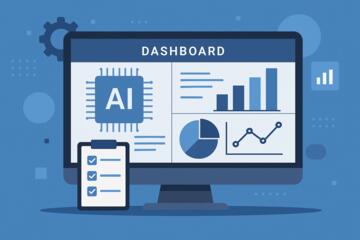
AI leadership assistants are helping executives manage priorities by automating routine tasks, analyzing workloads, organizing information, and improving decision-making. In a world where leaders face constant information overload, rapid communication cycles, and relentless expectations, AI becomes a strategic partner—not just a digital tool. These assistants help executives stay aligned, prevent burnout, and operate at peak productivity by filtering noise and highlighting what truly matters.
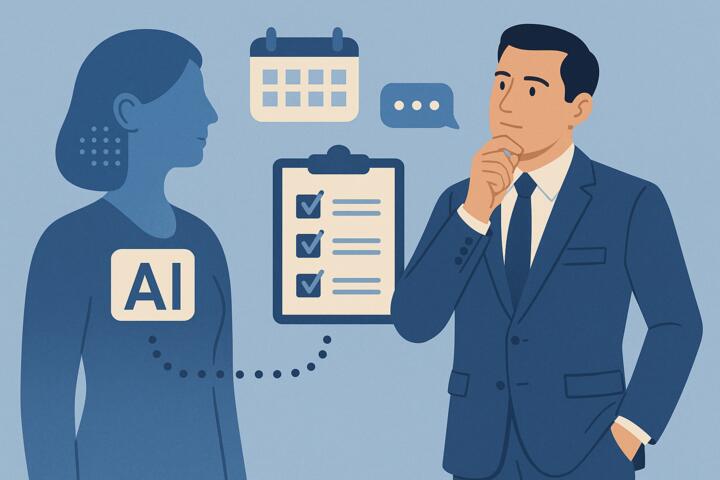
Top institutions such as Harvard Business School and technology leaders like Microsoft and Google emphasize that AI-backed organization and insights are now central to effective leadership in modern enterprises.
What Are AI Leadership Assistants?
AI leadership assistants are digital intelligence platforms that help executives manage:
-
Task prioritization
-
Meeting preparation
-
Email triage
-
Strategic decision-making
-
Knowledge retrieval
-
Team performance insights
-
Project tracking
-
Communication workflows
Unlike traditional digital assistants that only handle scheduling or reminders, AI leadership assistants use machine learning, natural language processing (NLP), and predictive analytics to understand context and make intelligent suggestions.
Examples include:
-
Microsoft Copilot for 365
-
Google Duet AI
-
Slack AI
-
Motion AI Scheduler
-
Notion AI
These tools function like an executive chief of staff—monitoring commitments, surfacing priorities, and anticipating needs.
How AI Improves Executive Priority Management
1. Intelligent Task Prioritization
AI models analyze:
-
Deadlines
-
Team workloads
-
Strategic goals
-
Email requests
-
Calendar patterns
They then recommend which tasks deserve immediate attention. For executives juggling dozens of responsibilities, this reduces decision fatigue and increases focus.
2. Automated Email and Communication Insights
Executives spend 28% of their week on email, according to McKinsey.
AI leadership assistants help by:
-
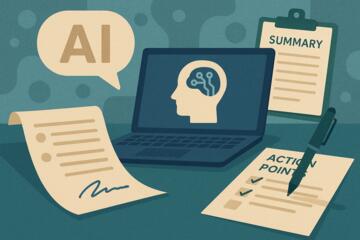
Summarizing long email chains
-
Extracting action items
-
Flagging urgent messages
-
Identifying unanswered questions
-
Drafting thoughtful responses
This transforms email from a burden into a streamlined workflow.
3. Calendar Optimization and Smart Scheduling
AI reorganizes your schedule based on:
-
Peak cognitive hours
-
Meeting fatigue levels
-
Priority of tasks
-
Time zone differences
-
Focus requirements
Platforms like Motion and Reclaim AI automatically protect focus time and schedule tasks around commitments.
4. Executive Briefings and Meeting Preparation
AI prepares:
-
Meeting summaries
-
Data dashboards
-
Competitor updates
-
Talking points
-
Follow-up reminders
This reduces prep time dramatically and ensures leaders enter meetings better informed.
5. Decision Support and Predictive Insights
AI leadership assistants provide:
-
Risk assessments
-
Trend summaries
-
Sentiment analysis from team communications
-
Forecasts for project outcomes
-
Comparative scenario evaluations
Tools like Tableau with Einstein AI and Microsoft Power BI Copilot enable quick interpretation of complex datasets.
6. Team Performance and Alignment Monitoring
AI analyzes communication patterns and project data to highlight:
-
Team overload
-
Misaligned priorities
-
Delayed projects
-
Cross-department bottlenecks
Executives gain visibility into organizational health without micromanagement.
Benefits of AI Leadership Assistants for Executive Productivity
1. Reduced Cognitive Load
Executives must process thousands of data points daily.
AI filters noise and surfaces what matters most.
2. Enhanced Strategic Focus
Leaders spend more time on vision and strategy—not inbox triage.
3. Faster and Better Decisions
AI provides relevant data instantly, improving clarity and accuracy.
4. Improved Work-Life Balance
Automated scheduling and prioritization prevent burnout and cognitive exhaustion.
5. Stronger Communication and Alignment
AI helps executives respond faster and stay connected with teams.
6. Scalable Leadership Support
Startups to enterprises can gain chief-of-staff-level support without hiring large admin teams.
Key Use Cases for AI Leadership Assistants
1. CEO Daily Workflow Assistance
Helps manage investor communication, strategic decisions, and board meetings.
2. COO Operational Visibility
Monitors KPIs, operational bottlenecks, and resource allocation.
3. CFO Financial Insights
Summarizes financial models, projects cash flow scenarios, and surfaces variance risks.
4. CHRO Workforce Analytics
Evaluates team morale, performance patterns, and hiring needs.
5. Sales Leaders
Prioritizes accounts, summarizes pipelines, and identifies revenue risks.
How to Implement an AI Leadership Assistant Effectively
Step 1: Identify Priority Pain Points
Typical challenges include:
-
Meeting overload
-
Decision fatigue
-
Information fragmentation
-
Email overflow
-
Lack of executive visibility
Understanding pain points ensures the right AI configuration.
Step 2: Choose the Right Platform
Consider:
-
Integration with existing tools (Microsoft 365, Google Workspace, Slack)
-
Data privacy and compliance
-
Customization options
-
Predictive analytics capabilities
-
Multi-device access
Step 3: Set Up Permission and Data Controls
Executives handle sensitive information.
Ensure compliance with:
-
SOC 2
-
GDPR
-
HIPAA (if applicable)
Step 4: Train the AI Model
AI learns from:
-
Communication patterns
-
Scheduling behaviors
-
Preferred working style
-
Past priorities
The more data it receives, the more accurate it becomes.
Step 5: Build a Daily Workflow
Examples:
-
AI morning briefing
-
Automated meeting prep
-
Priority summary at noon
-
End-of-day progress recap
Step 6: Monitor KPIs and Adjust
Track improvements in:
-
Time spent on deep work
-
Email responsiveness
-
Decision turnaround time
-
Meeting load reduction
Common Mistakes Executives Make When Using AI Assistants
Mistake 1: Treating AI Like a Basic Assistant
These are not simple schedulers—they're strategic partners.
Mistake 2: Not Providing Enough Input Data
AI improves with usage. Sparse data limits performance.
Mistake 3: Ignoring Privacy and Access Controls
Executives must secure personal and confidential data.
Mistake 4: Over-Automating
Human oversight remains essential for nuance and emotional intelligence.
Mistake 5: Unrealistic Expectations
AI streamlines workflows but does not replace leadership judgment.
Future Trends in AI Leadership Support
1. Emotion-Aware AI
Understanding tone and team morale in real time.
2. Autonomous Decision Agents
AI that completes tasks independently under predefined rules.
3. Cross-Platform Organizational Intelligence
Unified insights across email, CRM, HRIS, and finance.
4. AI-Powered Board Reporting
Automated quarterly reports, risk summaries, and governance tracking.
Author’s Insight
A few years ago, I worked with a senior executive who managed multiple departments and felt overwhelmed by shifting priorities. After onboarding an AI leadership assistant integrated with Slack and Microsoft 365, their weekly meetings dropped by 30%, and they reclaimed nearly 10 hours of focused work time each week.
What surprised them most wasn’t automation—it was clarity. The AI made it instantly obvious which tasks aligned with strategic goals and which were distractions.
For busy leaders, clarity is often the rarest resource.
Conclusion
AI leadership assistants are changing how executives manage priorities, make decisions, and lead organizations. By reducing cognitive load, automating routine tasks, and surfacing strategic insights, AI empowers leaders to focus on what truly matters—vision, people, and long-term value creation. As AI capabilities grow, adopting these tools is no longer optional but essential for high-performance leadership.